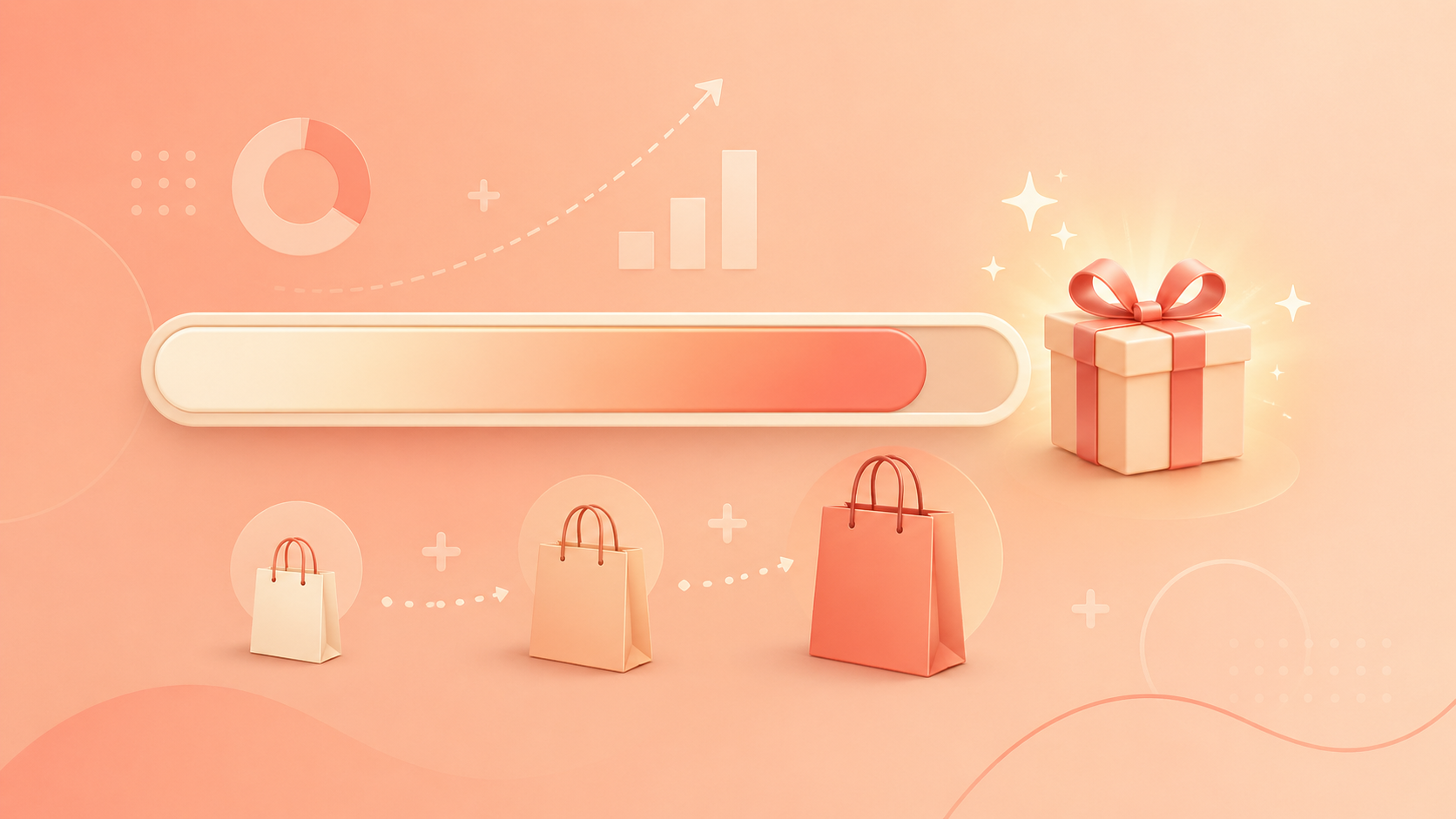
A free gift should guide shoppers toward a better cart. If the threshold is too low, you give away margin. If it is too high, shoppers ignore it.
Start from your real cart behavior
- 01Look at common order ranges in Shopify.
- 02Choose a threshold that encourages one relevant add-on.
- 03Use simple progress copy in the cart.
- 04Review performance after the campaign runs.
Choose a gift that matches the order
The gift should feel related to what shoppers are buying: samples, accessories, limited items, or small add-ons that make the order feel more complete.
Where to show it
Show the threshold where shoppers can still act: product page, cart drawer, or cart page. A checkout-only message is often too late.
“A strong free-gift offer makes the next item feel like the natural choice.”
PS
Written by
Peakify Studio
Team post